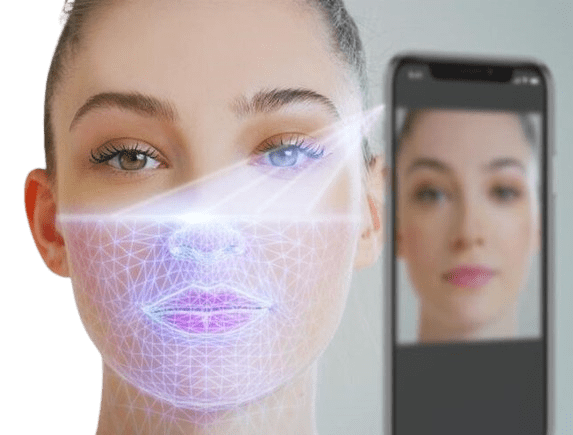
Dr. Kiya Movassaghi, MD, FACS offers virtual consultations through Nextech Telehealth, a secure system built directly into the electronic medical records used by our office. Our virtual visits are designed to help you feel prepared and informed if you are considering:
- Facial plastic surgery, such as a facelift or brow lift
- Body plastic surgery, such as a tummy tuck or post-weight loss surgery*
During your video appointment, Dr. Movassaghi will talk through your areas of concern, candidacy, timing, and options. You’ll receive personalized guidance based on your unique needs and goals. And if an in-person exam is needed before treatment, we’ll work together to schedule a convenient follow-up.
*If you are considering any type of breast surgery, such as breast augmentation or breast reconstruction, we strongly recommend beginning with an in-person consultation; a physical exam and measurements are required to recommend a surgical plan.
Your Virtual Consultation: Expert Advice, From the Comfort of Home
Here’s what you can expect:
Clear Next Steps
You’ll end the call with a clear, simple plan. We’ll provide a summary of our recommendations, a transparent cost estimate, and instructions for scheduling your in-person visit when you’re ready.
Completely Confidential
Discuss your goals openly and securely from the privacy of your home. Our platform is fully encrypted to protect your personal information.
Fits Your Schedule
Find an appointment time that works for you without worrying about traffic, parking, or taking a full day off. Connect with our experts from anywhere.
Find Out if It’s Right for You
Get a professional opinion on whether you’re a good candidate for the procedure. We’ll discuss your goals and help you understand your options, saving you a trip to the office.
Plan Your Timeline
We’ll help you map out the entire process—from consultation to recovery—so you can plan around your work, family, and life events.
What to Expect During Your Telehealth Consultation
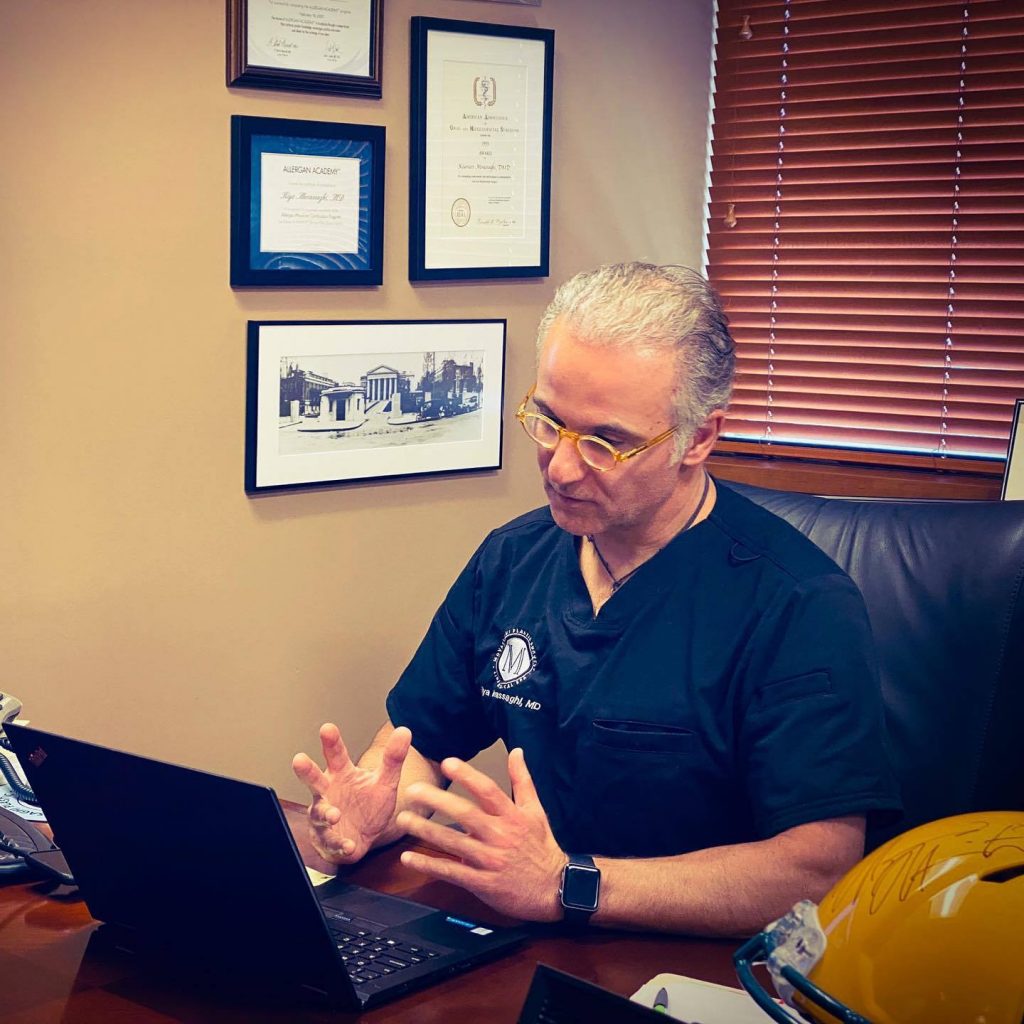
Dr. Movassaghi will meet with you personally. Before evaluating your area of concern, he will introduce himself and get to know a little more about you and what led you to schedule your consultation. He will answer your questions and discuss the potential results of the procedures that interest you.
Depending on the procedures you are interested in, Dr. Movassaghi may ask you to show him your area of concern or may recommend that you take preliminary “before” photographs to assist him in designing your procedure plan. Before concluding the consultation, he will make sure all of your questions have been addressed and will explain to you the next step in your personal surgery process.
After consulting with Dr. Movassaghi via Telehealth, you may be scheduled for an in-person consultation or examination if needed. Our Patient Coordinator, Theresa, will answer any additional questions you may have, go over our office policies, and help you plan your surgery if you decide to move forward.
Telehealth FAQs
Ready to Schedule?
Patients Getting Started with a Telehealth Visit
- Use a computer, smartphone or tablet with a camera and microphone.
- If you are registered with myPatientVisit, access either via the web or download the app from:


Joining The Call
- Fifteen minutes before your scheduled appointment time, you will receive a reminder.
- Select the link from the email, text reminder or log into MyPatientVisit.
- Be sure to allow your browser to access your webcam and microphone.
- Dr. Movassaghi will start your visit when he sees you have arrived
Call Tips
- Be in a place where there is good lighting
- Try to minimize noise distractions
- Have a good internet or cell connection
Troubleshooting
The Nextech Telehealth experience is designed to work with minimal system requirements. To have a successful call with Dr. Movassaghi, you must have:
- Mac/PC/Linux/Chromebook with a camera, a microphone, and speakers
- Internet connection with at least 2MBPS download and upload speeds (This requirement goes up with additional devices that are streaming on your network). You can check your network speed here.
- Google Chrome, Mozilla Firefox, Microsoft Edge, or Safari (latest release versions)
- You’ll need to have the latest operating systems such as Windows 10 or MacOS Catalina to obtain the latest versions of the browsers listed above
- JavaScript must be enabled (this is enabled by default in most browsers)
For iOS and Android:
- Use Safari 11+ on your iOS devices (latest version of iOS)
- Google Chrome on your Android device
Compatibility:
- We are not compatible with Amazon Kindle and other e-readers.
- We do not work in Internet Explorer.
- Check support for your device by running the following:
- Network stability test to determine the stability of your network. If you get “Network Appears Unstable”, then your router or the internet service provider (e.g. Comcast) is most likely the cause of your quality issues.
- Device compatibility test to determine whether there are issues with your device, network, or browser.
Schedule Your Telehealth Consultation
Ready to meet with Dr. Movassaghi from the comfort of your home? Call 541-686-8700 or contact us online to schedule your telehealth consultation today.